InvokeAI YouTube Videos
Living list of all InvokeAI YouTube Videos
Section titled “Living list of all InvokeAI YouTube Videos”The InvokeAI team has produced many detailed and informative videos on many of the ways InvokeAI works on the InvokeAI YouTube channel. This page will be maintained with links and annotated descriptions of what those videos cover. This is a curated list and is organized, as much as possible, by theme and level of detail and required backgrund knowledge, not by release date. Though, this can mean that some of the content or interfaces shown may have changed in more-recent versions of Invoke, the concepts and techniques are still applicable. The Invoke team has also created curated playlists if you’d prefer to watch a series of videos one after the other.
Topic Videos
Section titled “Topic Videos”Short-form videos that introduce parts of InvokeAI.
AI Image Generation | |
|---|---|
The Basics of AI Image Generation (Invoke - Getting Started Series #1) (13:12) | overview of Invoke Studio interface, positive and negative prompts, Embeddings, image settings, generation settings (Model and Concepts), Controlnet, IP Adapter |
InvokeAI - Fundamentals - Creating with AI (13:39) | how Diffusion image modelling works, how images are generated, how prompts are structured (Subject, Category, Quality Modifiers, Aesthetics & Composition), how Image2Image works (Denoising Strength), brief overview of Control Adapters (Denoising Timeline, Begin / End Step Percentage) |
InvokeAI - SDXL Getting Started (6:39) | SDXL prompting (Concatenate Prompt with Style button), VAE Precision, ideal image ratios, Refiner (refinger steps to denoising steps ratio), keturn SDXL Prompt Styles |
Using AI Image to Image Transformation (Invoke - Getting Started Series #3) (8:26) | review of denoising process in Image2Image, Denoising Strength, using high contrast images to control composition and placement |
InvokeAI - AI Image Prompting (25:34) | Controlnet Adapters (SDXLcanny), IP Adapters (ip_adapter_sdxl_vit_h, Weight influence, using result images as input), use of Controlnet Adapters and IP Adapters with Image2Image, Unified Canvas and Controlnet Adapters (SDXLsoftedge), Controlnet Adapters to imitate style |
Using Schedulers and CFG Scale - Advanced Generation Settings (Invoke - Getting Started Series #4) (9:35) | using advanced generation settings, brief explanation of sampler/scheduler, explanation of Steps and relationship to quality/efficiency, brief explanation of CFG Scale setting |
Controlling AI Image Generation with ControlNet & IP Adapter (Invoke - Getting Started Series #2) (13:57) | explanation of SDXLcanny ControlNet (Weight, Begin/End Step Percentage, Control Mode, Resize Mode, Processor, Low & High Threshold), explanation of using multiple ControlNets at the same time (SDXLDepth & SDXLcanny), explanation of IP Adapters (Weight, ip_adapter_sdxl vs ip-adapter-plus_sdxl_vit-h) |
InvokeAI - Workflow Fundamentals - Creating with Generative AI (23:29) | deeper discussion of the denoising process (CLIP: Text Encoder, UNet: Model Weights, VAE: Image Decoder), overview of the Denoise Latents node (Positive Conditioning, Negative Conditioning, UNet, Noise, Denoising Start, Denoising End, Latents Object), overview of the Latents to Image node, overview of the Basic Workflow (Positive Prompt, Negative Prompot, Noise, Denoising, Decoding), demonstration of using the Workflow Editor (adding nodes, connecting nodes, renaming nodes and fields, adding nodes to the Linear View, Noise Node, Random Integer Node, minimizing nodes, selecting nodes to see their output, Image Primitive Node, Image to Latents Node, Progress Image Node, Resize Latents Node, errors and error indicators, adding workflow details for distribution, Notes Node) |
AI Workflows that Accelerate Production & Respect Artists’ Process (GDC 2024) (35:56) | presentation at the Game Developers Conference (2024) on AI image generation at time of recording, Invoke’s philosophy and approach to AI image generation, how workflows work and generate images, demonstration of the Unified Canvas, Q&A from the audience |
Unified Canvas | |
|---|---|
Creating and Composing on the Unified Canvas (Invoke - Getting Started Series #6) (21:23) | detailed exploration of using the Unified Canvas, hotkeys, settings, Inpainting and prompting to change images, Staging Area, Inpainting to correct small details, Scale Before Generating, starting from scratch on the Unified Canvas (Outpainting, Denoising Strength, Coherence Pass settings), Manual Infills (painting to the Base layer to extend images) | InvokeAI - Unified Canvas Basics (28:37)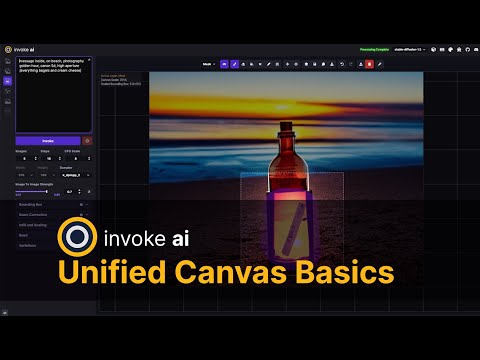 | discussions of Context, Inpainting (Base and Mask layers), Image Colouring, Outpainting (importantance of Strength, overview of Seam Correction settings, approaches & strategies for improving results), survey of the toolbar items and settings |
InvokeAI - Canvas Fundamentals (38:06) | explanation of the Bounding Box (connection to Context, use of low and high Denoising Strength, use with ControlNet, generation methods), diagram showing Infill techniques, Scale Before Processing, Compositing (Mask Adjustments, blur size and types, coherence pass), slow detailed step-by-step demonstration of generating a scene from scratch on the Unified Canvas using drawing on the Base layer, Inpainting, and multiple iterations, followed by an “overdrive” demonstration of creating a “yellow mage of the dunes” from scratch |
InvokeAI - Canvas Drivethrough #1 (50:39) | A step-by-step walkthrough of creating a fantastical Lightning Lizard from scratch, Positive Prompting (subject, style, quality, modifications, aesthetics), Negative Prompting (strategies for selection, taco salad), background Inpainting, using blend() to combine and balance multiple prompts, demonstration of the need for multiple iterations, backtracking, and prompt adjustments |
InvokeAI - Canvas Drivethrough #2 (23:45) | A step-by-step walkthrough of creating a detailed mountain landscape scene from scratch, Outpainting to create larger scene from starting generation, creating cohension after Outpainting, the importance of remembering to turn Randomize Seed on, Manual Infilling to extend scenes, adding figures into scenes with Inpainting, correcting Inpainted figure details, being careful about reflections, clouds, |
InvokeAI - Canvas Tips & Tricks #1 (17:58) | multiple canvas creations to illustrate different techniques, using a white background to create assets with transparency, improving small details, upscaling and then improving details, using the characterturner LoRA to generate character turnarounds, using the Unified Canvas to compare different generation settings, generating images by painting on the blank canvas, using the epiNoiseoffset LoRA, using Image2Image to upscale an image |
Advanced Canvas Inpainting Techniques with Invoke for Concept Art Pro Diffusion Deep Dive (21:05) | A step-by-step walkthrough of taking concept art to detailed final asset, using the SDXLsoftedge ControlNet, allowing fine details to be lost to get core concepts in place, reintroducing fine details, techniques for Inpainting details for unique areas of images using ip-adapter-plus-face_sdxl_vit-h, the importance of turning off adapters when not using them |
InvokeAI - Canvas Overdrive #1 (7:22)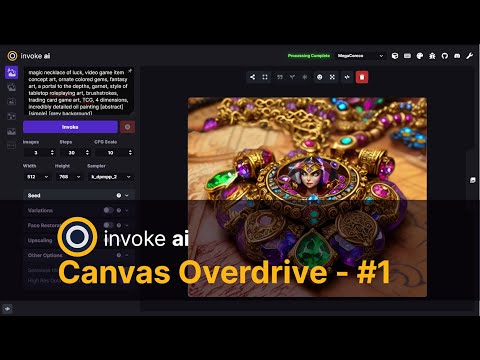 | “Sit back, relax, and get ready for an overdrive.” - hipsterusername |
InvokeAI - Canvas Overdrive #2 (4:43) | “Sit back, relax, and get ready for an overdrive.” - hipsterusername |
InvokeAI - Canvas Overdrive #3 (7:01) | “Sit back, relax, and get ready for an overdrive.” - hipsterusername |
InvokeAI - Canvas Overdrive #4 (7:08)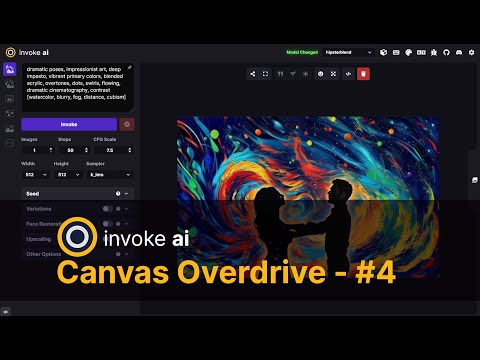 | “Sit back, relax, and get ready for an overdrive.” - hipsterusername |
InvokeAI - Canvas Overdrive #5 (7:09) | “Sit back, relax, and get ready for an overdrive.” - hipsterusername |
InvokeAI - Canvas Overdrive #6 - Titans in the Gorge Featuring Canvas Controls, Gradient Denoising (6:42)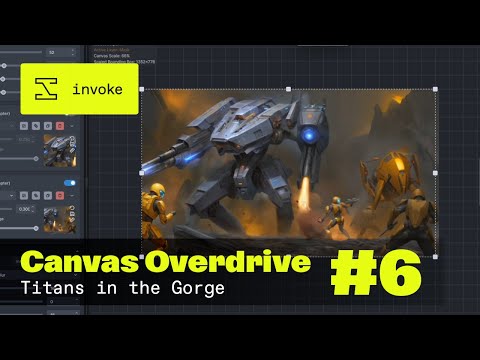 | “Sit back, relax, and get ready for an overdrive.” - hipsterusername |
Models | |
|---|---|
InvokeAI - Adding Models (v2.2.5) (4:59) | adding models through the Models Manager, overview of what information is encoded and inferred from model files, discussion of VAE |
Exploring AI Models and Concept Adapters/LoRAs (Invoke - Getting Started Series #5) (8:52) | discussion of the relationship between prompts and the way models were trained, using the animagine model, using the pixel-art model, comparison of how the same generation settings with a different model produce very different results, contrast between model and concept adapter (LoRA) |
Studio Sessions
Section titled “Studio Sessions”Long-form videos that go into depth about how to use InvokeAI at a deep level.
Creating Consistent Character Concepts with IP Adapter and Img2Img (1:05:35)
Creating 2D to 3D Environment Art Renders with AI feat. Blender and Depth Anything (56:22)
Generate Character and Environment Textures for 3D Renders using Stable Diffusion (58:20)
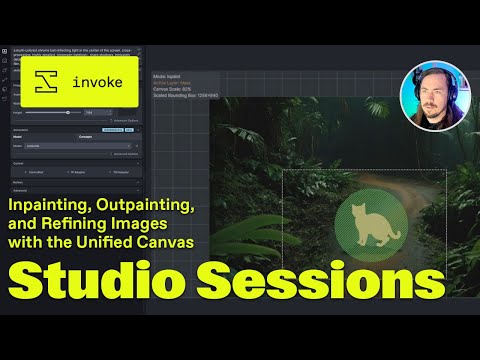
Inpainting, Outpainting, and Image Refinement in the Unified Canvas (55:24)
Workflow to Improve Your Vehicle Concept Art using Shapes and Generative AI (59:07)

Mastering Inpainting: Turn Sketches into Detailed Characters with AI (56:24)

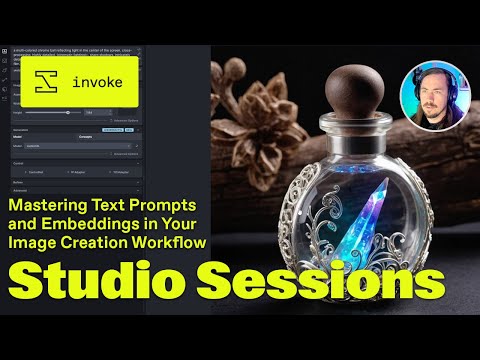
Mastering Text Prompts and Embeddings in Your Image Creation Workflow (59:04)
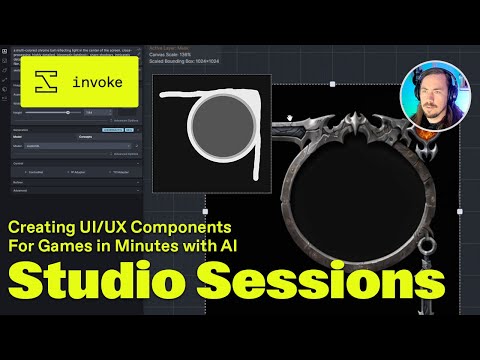
Create UI/UX Components for Games in Minutes with AI (57:13)
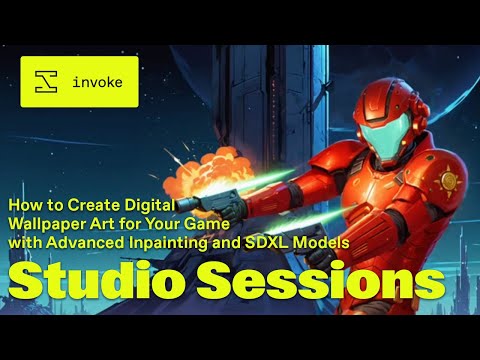
How to Create Digital Wallpaper Art for Your Game with Advanced Inpainting and SDXL Models (55:19)
How to Train, Test, and Use a LoRA Model for Character Art Consistency (1:01:59)
Version Releases
Section titled “Version Releases”Short-form videos that show new versions of InvokeAI as they’re released (from newest to oldest).
Invoke - 4.0 Open Source Release - New Model Manager Interface, Gradient Denoising & More… (6:42)
Invoke - 3.7 Release - New Workflow Interface, Seamless Textures, and DW Pose (4:35)
Invoke - 3.6 Release - New User Interface Updates, and more (18:48)
InvokeAI 3.4 Release - LCM LoRAs, Multi-Image IP Adapter, SD1.5 High Res, and more (15:33)
InvokeAI 3.3 Release - T2I Adapters, Multiple IP Adapters and more… (9:42)
InvokeAI 3.2 Release - Queue Manager, Image Prompts, and more… (14:09)

InvokeAI 3.1 Release - Workflows, SDXL Unified Canvas, and more… (13:52)
InvokeAI 3.0 Release (12:36)

InvokeAI 2.2 Release (16:26)
InvokeAI 2.1 Release (14:59)