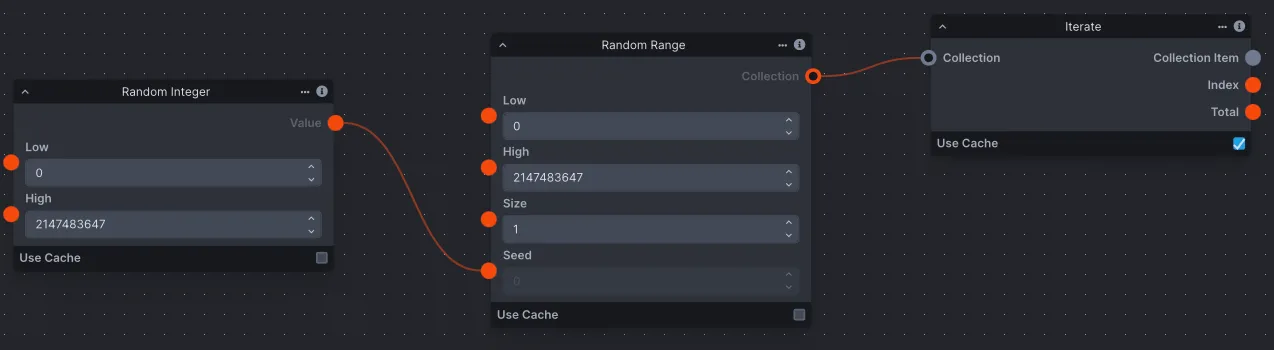
Workflow Library
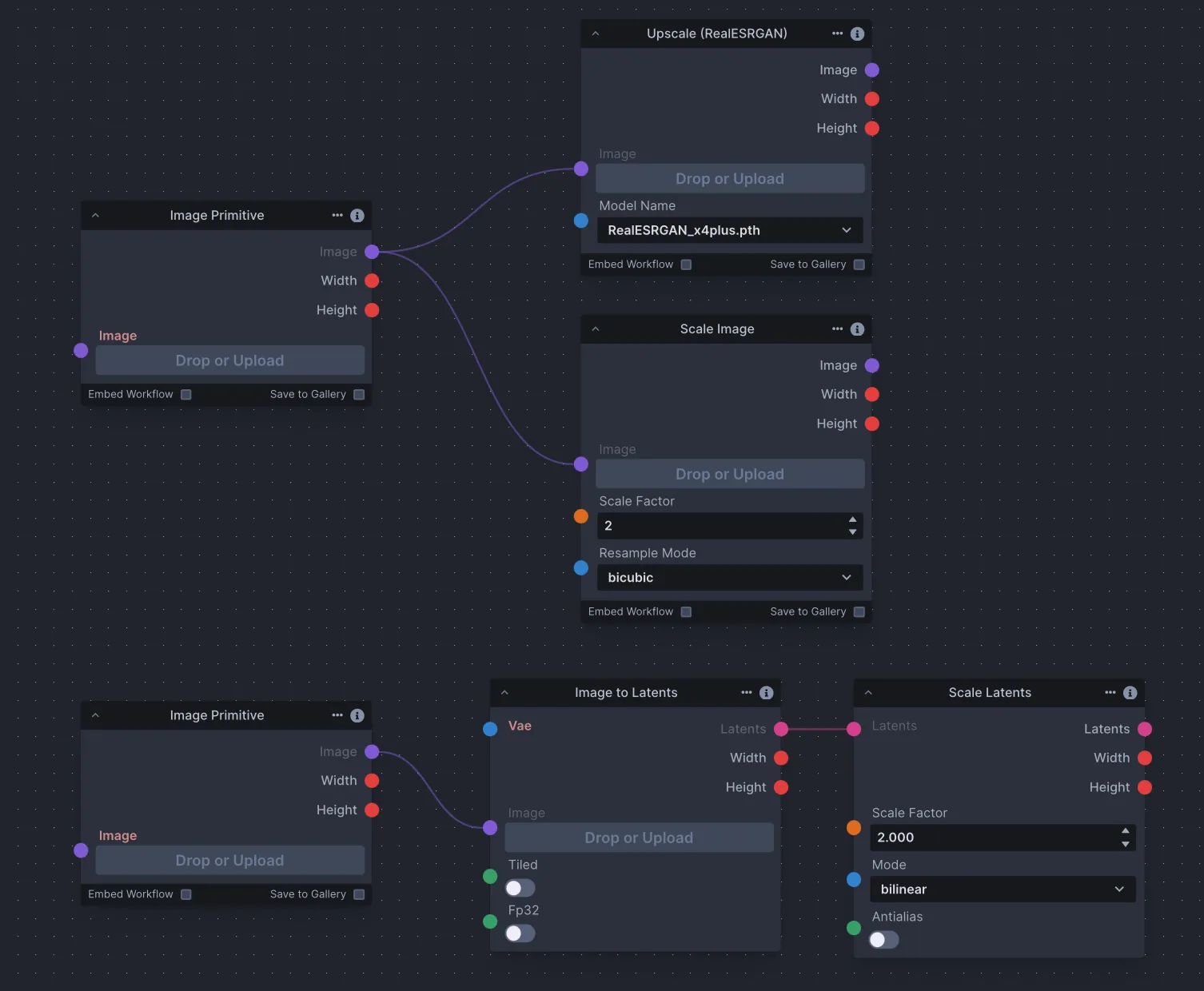
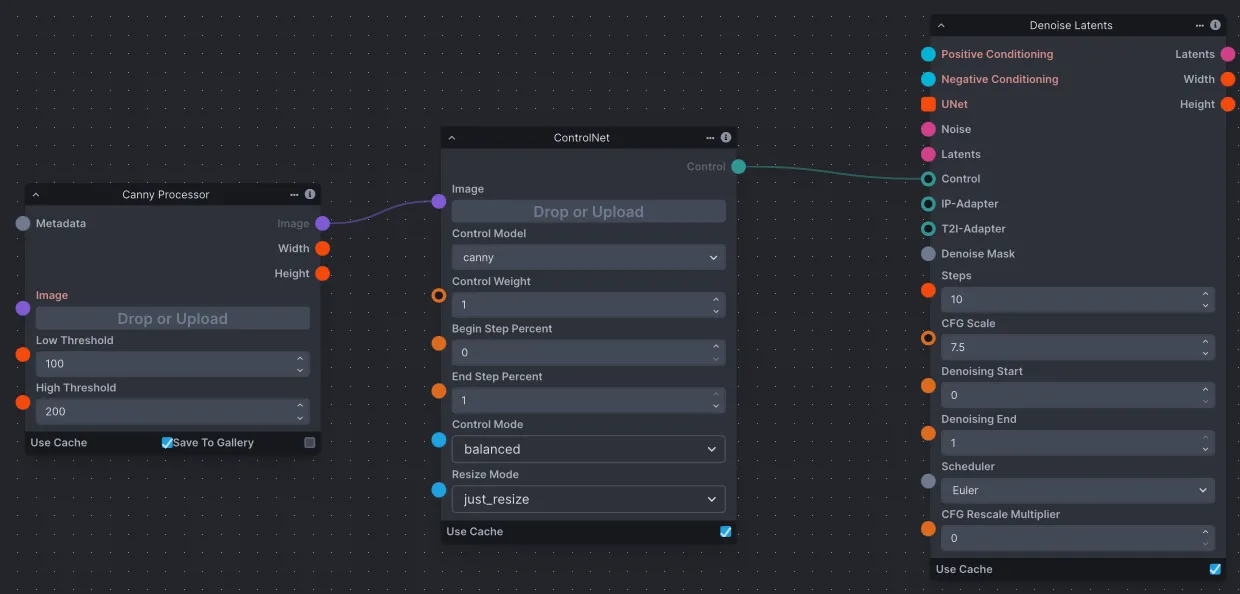
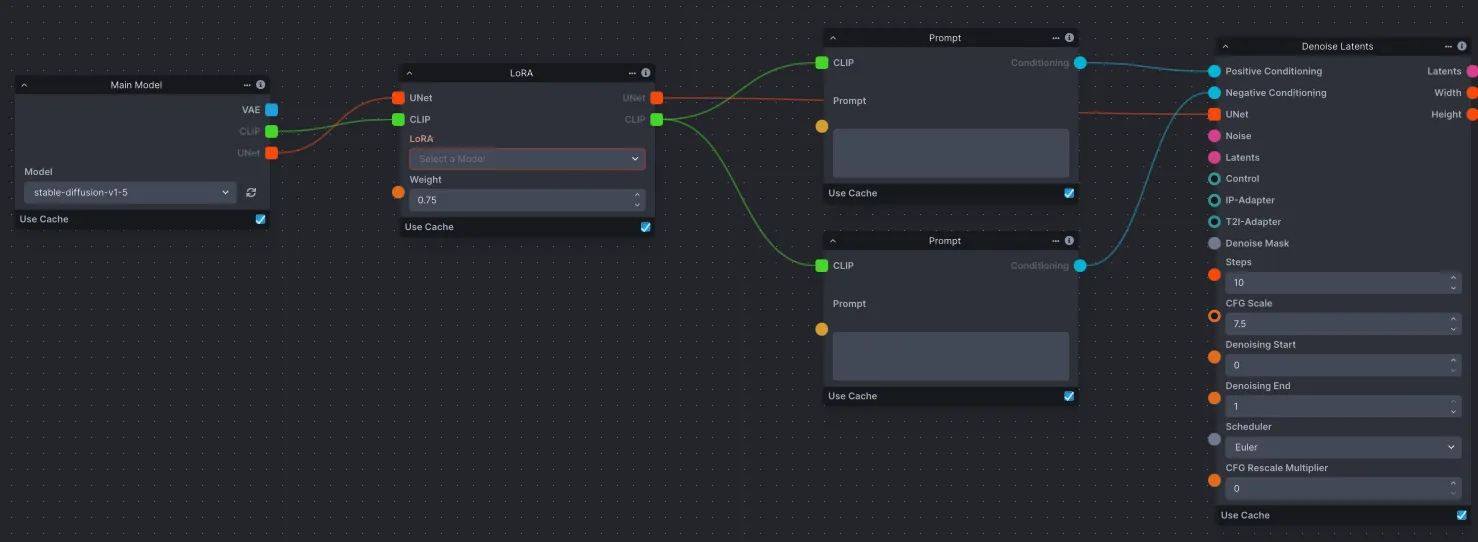
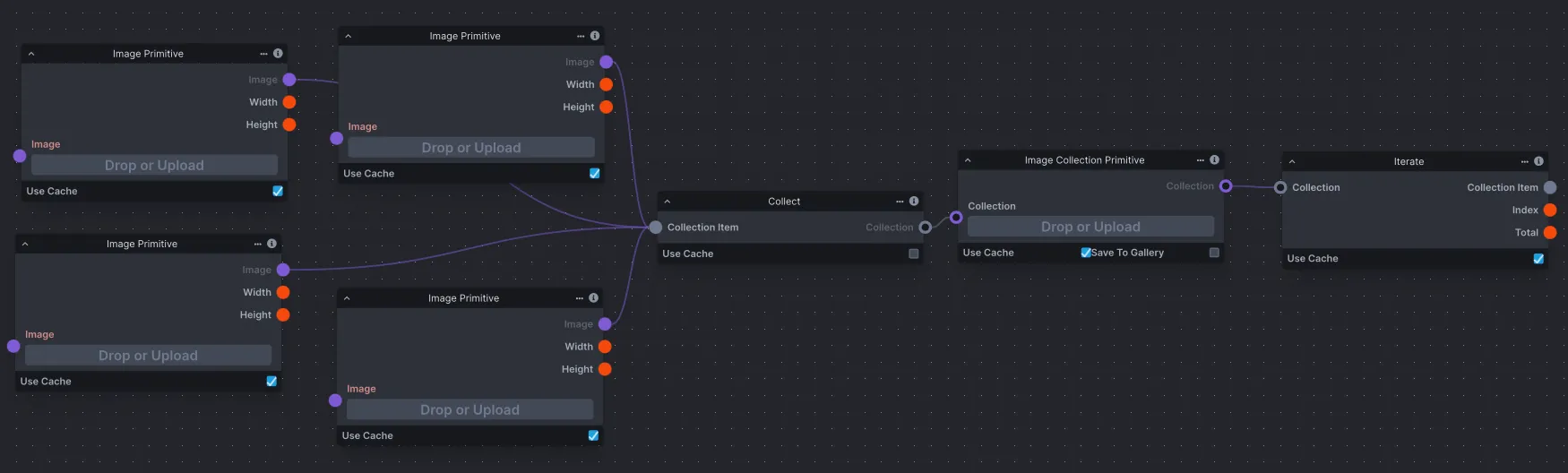
Save workflows to the Invoke database, allowing you to easily create, modify, and share workflows as needed. A curated set of default workflows is provided to help explain important node usage.
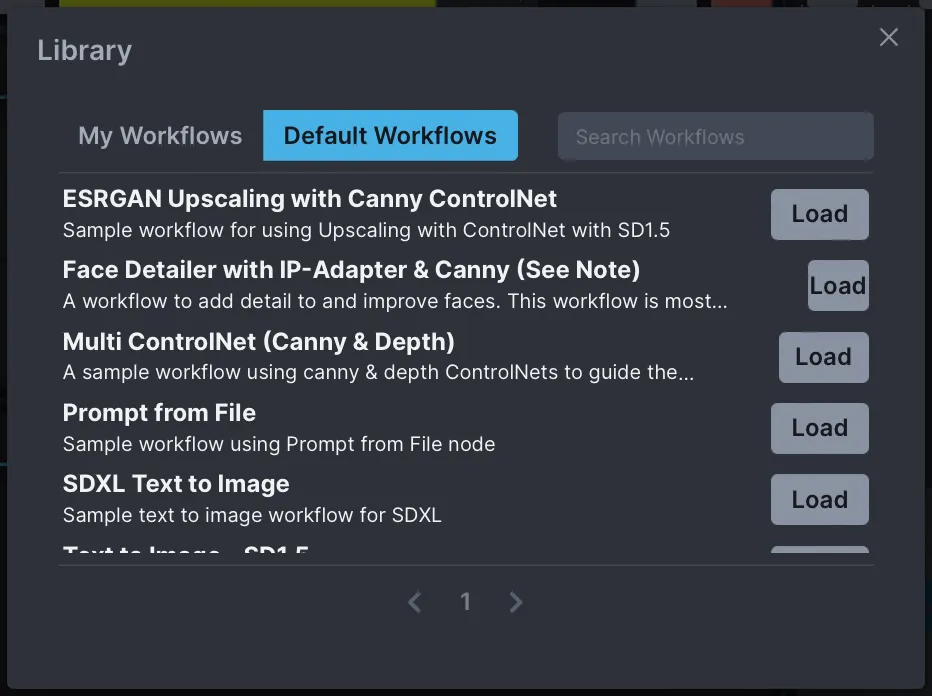
The library has two views:
- Browse Workflows lists curated default workflows, filterable by a fixed set of category tags.
- Your Workflows lists workflows you have saved. The tag filter here is dynamic — it shows every unique tag found across your own workflows, with a count per tag.
Add comma-separated tags to a workflow (e.g. portrait, SDXL, upscaling) when saving it. The tags appear at the bottom of each workflow tile in the library and become selectable filters in the sidebar. Click one or more tags to narrow the list; click Your Workflows to clear the filter and show everything again. Tag counts update automatically when you create, edit, or delete a workflow.